
Tinkercad
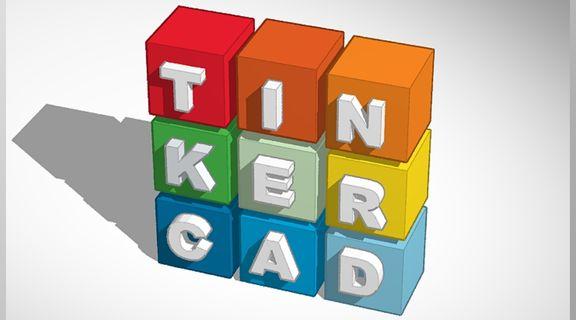
Description
Tinkercad is a free, web-based 3D design and coding platform created by Autodesk. It’s designed to introduce learners of all ages—especially beginners—to 3D modeling, electronics, and coding in a simple, intuitive way. Students can build digital 3D models, simulate circuits, or program basic Arduino code directly in their web browser.
Tinkercad is most commonly used in Grades 4–12, with applications ranging from elementary STEM and maker projects to high school engineering, robotics, and design courses. It helps students build foundational skills in spatial reasoning, problem-solving, and digital fabrication while supporting hands-on, creative learning.
Features
- 3D Design: Easy drag-and-drop interface for creating, scaling, and combining shapes into detailed models.
- 3D Printing Ready: Export files (STL, OBJ) for 3D printing or importing into other design tools like Fusion 360.
- Circuits Simulation: Design and test electronic circuits virtually, including components like LEDs, resistors, sensors, and Arduinos.
- Block & Text Coding: Learn basic programming logic using block-based code (similar to Scratch) or switch to text-based code (JavaScript).
- Classroom Integration: Teachers can create and manage student classes, assign projects, and view progress through Tinkercad Classrooms.
- Cross-Platform: Runs entirely in a web browser—no installation required.
How to Access
Students
- Click on Tinkercad Login
Login required: Use your sd62.bc.ca email
Educators
- Click on Tinkercad Login
2. Click on "Educators" and the Sign in with "Email or Username"
Login required: Use your sd62.bc.ca email
3. Click on "Classes", create a class, and invite students
Accessing with:

Personal Device
- Each device is different. We are unable to support these. Please check your device manual.