
Canva
Canva is an online graphic design tool. Use it to create presentations, posters, videos, logos and more.

Audience
Educators,
Students,
Caregivers
Subject
ADST & Careers,
Arts & Music
Grade level
Grade 4 - 5,
Grade 6 - 8,
Grade 9 - 12
Approval status
Approved
Compatible devices
Chromebook,
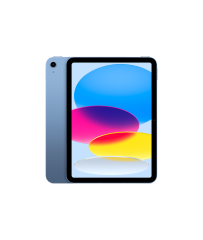
iPad,
Mac,
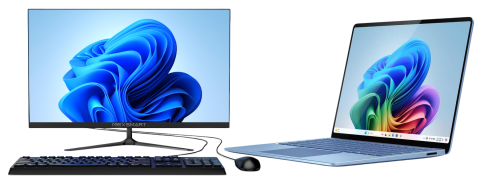
Windows Desktop & Laptop
Description
Canva is a free, web-based graphic design platform that allows users to easily create presentations, posters, social media graphics, newsletters, and other visual materials using drag-and-drop tools. It’s designed for all skill levels—from students to professionals—and includes thousands of customizable templates, fonts, icons, and stock photos.
Features
- Drag-and-Drop Editor: Intuitive interface for creating visuals without advanced design skills.
- Templates Library: Thousands of ready-made designs for education, business, and personal use.
- Collaboration Tools: Share designs, comment, and co-edit in real time.
- Brand Kit: Save logos, fonts, and color palettes to maintain consistent branding.
- Magic Studio (AI Tools): Includes features like Magic Write (AI text), Magic Eraser, and Magic Resize to speed up design work.
- Animations & Video Tools: Add motion, audio, or video clips for engaging presentations or social media posts.
- Download & Sharing Options: Export in multiple formats (PNG, PDF, MP4, etc.) or share via link or QR code.
- Integrations: Works with Google Drive, Microsoft Teams, and many EdTech platforms.


How to Access
Students
- Go to Canva and then to the Log in button.
- Log in with your sd62.bc.ca email address.
Educators
- Go to Canva and then to the Log in button.
- Log in with your sd62.bc.ca email address.
Accessing with:
Image
Image
Image
Image

Personal Device
- Each device is different. We are unable to support these. Please check your device manual.