Boardmaker 7
Description
Boardmaker 7 Editor is a software program with the world’s largest symbol library, designed for the creation of visual supports. Create, edit, print and play activities from scratch or choose from over 600 built in templates.
Features
- powerful tool for creating symbol supported education and communication materials
- choose to create from scratch or from over 600 built in templates
- World’s largest symbol library - Over 80,000 symbols
- Variety of graphic styles – PCS Classic, ThinLine, High Contrast, In-Context
- Support AAC ( Augmentative and Alternative Communication)
Reinforces literacy, vocabulary and comprehension through visuals
With an additional free Boardmaker Community account, you can access more than 120,000 interactive and print-ready Boardmaker activities and templates, created by users globally. You can sync the activities you choose to your Boardmaker Editor when you are signed in with your Community account. You will also have access to the LearningHub. The Learning Hub is full of resources including videos, recorded webinars, quick guides and online courses for Boardmaker.
How to Access
This is an installed program specific to the device or IES has a specific number of installations, – for learning opportunities and support contact ies@sd62.bc.ca
Educators
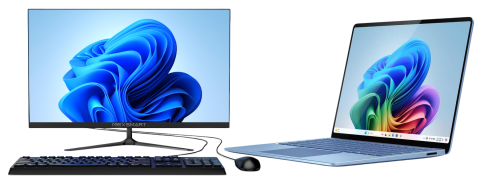
SD62 has installed Creation Stations in schools to provide a dedicated space in your building for easy access to Boardmaker for all staff. These stations are set up to create, share and print visual supports and activities for both expressive and receptive opportunities. In addition, each school has a second installation of the software on an IST laptop.
Accessing with: