
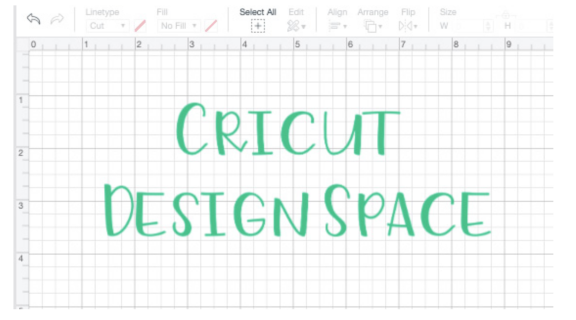
Cricut Design Space
Design Space® is the free, easy-to-use Cricut® app that makes it easy to turn your ideas into meaningful personalized items.
Audience
Educators,
Students
Subject
ADST & Careers
Grade level
Grade K - 3,
Grade 4 - 5,
Grade 6 - 8,
Grade 9 - 12,
Everyone
Approval status
Approved
Compatible devices
Chromebook,
iPad,
Mac,
Windows Desktop & Laptop
Description
Cricut Design Space is the free companion software used to design, customize, and send projects to Cricut cutting machines. It acts as the interface for creating, allowing users to upload images, edit text, and arrange designs on a digital canvas for cutting, scoring, or drawing on materials.
Features
Key features of Cricut Design Space include:
- Design Tools:
- Slice: Cut shapes out of other shapes, useful for customizing designs.
- Weld: Combine multiple images or letters into one cohesive shape, crucial for cursive text.
- Attach: Hold items in position so they cut exactly as arranged on the canvas.
- Contour: Hide or unhide specific lines/parts of an image to modify it.
- Flatten: Turn multi-layered images into a single layer for "Print Then Cut" projects.
- Offset: Create a decorative border or shadow layer around text or images.